

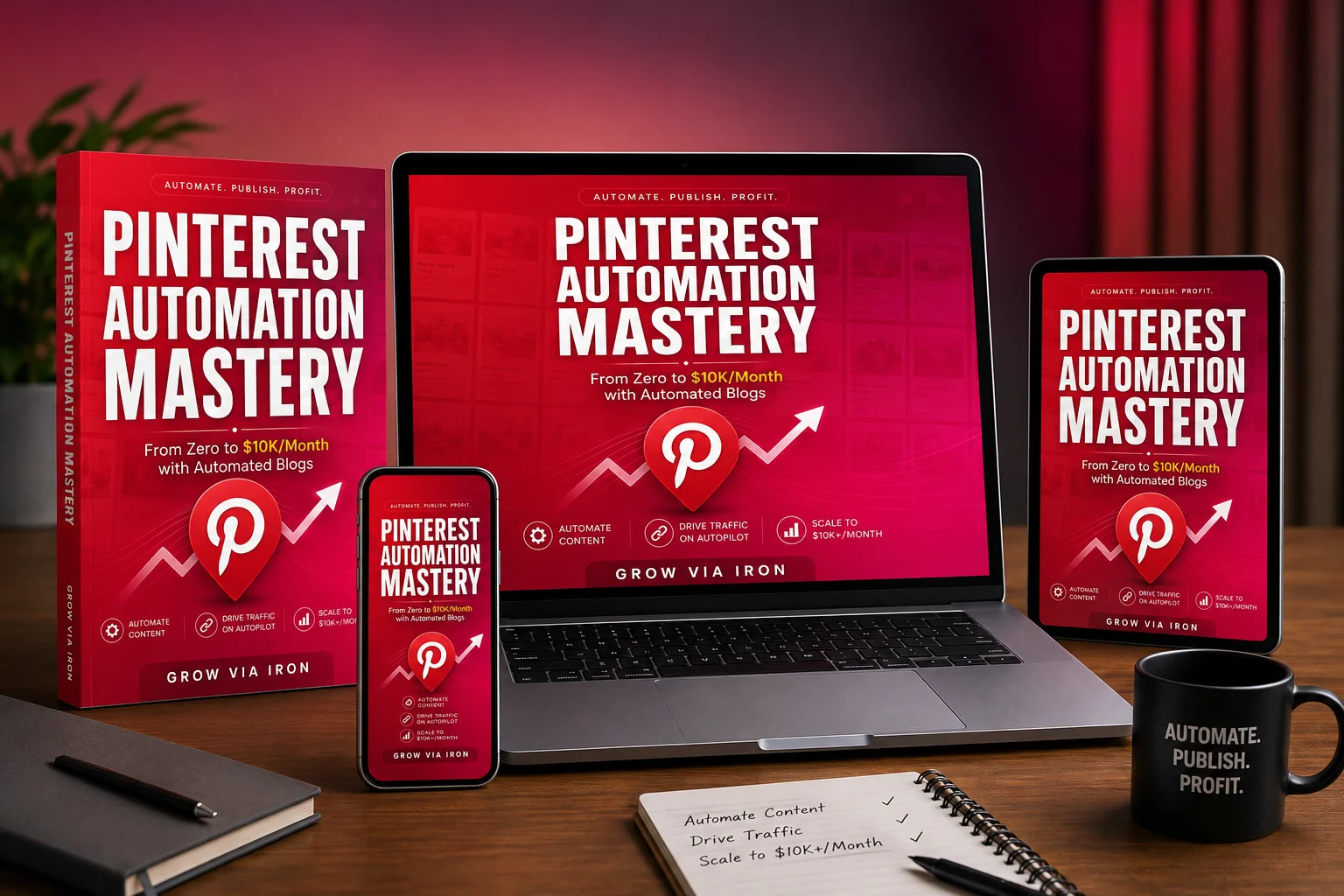
Okay, so let’s talk about Pinterest for a second.
Out of every platform I’ve dug into for driving blog traffic, Pinterest is honestly kind of the weird one. It doesn’t behave like Instagram or TikTok, where your post has maybe a 24-hour window before it disappears into the void. A good pin can just… keep working. Months later, it’s still quietly pulling in clicks like nothing happened.
The catch, and there’s always a catch, is that doing Pinterest well takes real effort. Keywords, content, pin design, boards, posting consistency, and then somehow turning all of that into actual income. It adds up fast.
That’s the gap Pinterest Automation Mastery is trying to close. And I went in wanting to know: is this an actual system, or just another course repackaging stuff you could find for free on YouTube?
In this Pinterest Automation Mastery Review, i will take you indepth about the product.
Product Overview
| Product Type | Pinterest Traffic & Automation Training |
| Core Idea | Build and scale Pinterest-driven niche blogs |
| Skill Level | Beginner Friendly |
| Price | $17 One-Time + Huge Bonuses |
| Guarantee | 30-Day Money-Back Guarantee |
| Best For | Bloggers, affiliate marketers, content creators & niche-site owners |
| Monetization | Affiliate Marketing, Display Ads & Digital Products |
| Overall Rating | 8.5/10 |

Table of Contents
What Is Pinterest Automation Mastery?
Pinterest Automation Mastery is an 8-module training program that teaches you how to build, automate, monetize, and eventually scale Pinterest-driven niche blogs.
The idea behind it is pretty simple: instead of pouring everything into one blog and hoping it eventually becomes huge, you build a handful of smaller, focused blogs across different niches.
The math they use to explain it:
20 blogs × 500K impressions each = 10M+ impressions a month
I’ll be straight with you — treat that number as a “here’s the ceiling if everything goes right” scenario, not a promise. The product owner is claiming that the 10M figure a possible outcome under favorable conditions, not something typical or guaranteed.
What I actually think matters here isn’t the 20 or the 10 million. It’s the diversification underneath it — if one blog underperforms, you’re not completely dependent on it. The training walks you from keyword research and content creation all the way through Pinterest SEO, automation, monetization, and scaling.
Why Use Pinterest for Traffic?
The course leans hard into this point, and honestly, it’s a fair one: Pinterest isn’t really a social platform, it’s closer to a search engine with pictures.
People go there while they’re actively looking for something — recipes, home ideas, product comparisons, outfit inspo, whatever. That’s a very different mindset than someone doom-scrolling Instagram.
According to the research, some of Pinterest’s advantages include:
- Long content lifespan
- Search-driven traffic
- Strong commercial intent in many niches
- A large, active user base
- The ability for helpful content to gain visibility without already having a following
For niche bloggers and affiliate folks especially, that’s a pretty compelling case.
Pinterest Automation Mastery Review: What you get?
The core program contains 8 modules, plus a 30-day implementation challenge. Let me walk you through it like I would if you asked me over coffee.
Module 1: Foundation Shift
This one’s less “here’s a tactic” and more “here’s why you should think about this differently.” It makes the case for multiple smaller blogs over one giant one, walks you through setting up a Pinterest business account properly, and — I liked this part — sets realistic expectations up front instead of promising instant results.
This matters because the course doesn’t position Pinterest as an instant-traffic strategy.
Module 2: The Secret Weapon — Keyword Research
If there’s one module I’d tell you not to skip, it’s this one. You can automate everything else, but if you’re targeting keywords nobody searches for, none of it matters.
They walk through a five-step process for finding lower-competition Pinterest keywords with useful search intent, plus something they call the “synonym hack” — basically finding keyword variations that fly under the radar of heavier competition. They claim it can reduce competition by up to 70%. I’d take that with a grain of salt since it’ll swing a lot by niche, but the underlying logic (synonyms = less competition) is sound.
The key takeaway is simple: don’t automate content before you know what people are actually searching for.
Module 3: The Automation Engine
This is where the “automation” part of the name really kicks in. You’ll learn how to use AI-assisted tools to plan and produce large amounts of content.
The workflow capable of planning, generating, and publishing up to 90 articles in around 15 minutes, along with a Pinterest workflow designed to make large-scale pin creation and scheduling much faster.
To be clear, the goal isn’t simply to produce more content for the sake of it. It’s to build a repeatable system that cuts down the manual, repetitive part of running a content site.
Module 4: Scaling Systems
Once you’ve got your first blog working, this module is about repeating it without losing your mind. You’ll learn how to manage multiple Pinterest accounts, diversify across niches, and avoid the mistakes people make once they’re juggling more than one site.
Once established, each blog can require roughly 45 minutes per month to maintain. My honest take? That’s an end-goal efficiency target, not a week-one number. Don’t expect that right out of the gate.
For beginners, I’d genuinely recommend getting one blog working before attempting to build 20.
Module 5: Monetization Mastery
Traffic is nice, but traffic without monetization doesn’t build a business.
Pinterest Automation Mastery teaches three main income streams:
Display Ads
Once your site develops sufficient traffic and meets an ad network’s requirements, you can monetize visitors through display advertising.
Affiliate Marketing
You can recommend relevant products and services within your content and earn commissions when visitors make qualifying purchases.
Digital Products
You can also create and sell your own digital products — guides, templates, ebooks, printables, that kind of thing.
I like that it’s three streams and not just one. If ads underperform in a given month, you’re not totally sunk.
Module 6: Traffic Explosion
This module focuses on getting more visibility from Pinterest. Topics include advanced Pinterest SEO, board strategy, pin design formulas, viral pin concepts, and group-board or community strategies.
The emphasis throughout is on creating content that Pinterest users can discover through search and recommendations, rather than chasing short-lived viral trends. A pin doesn’t need to blow up overnight — it needs to keep showing up whenever someone searches for what you wrote about.
Module 7: Optimization & Troubleshooting
Once your content starts getting traffic, you need to understand what’s actually working. This module covers the Pinterest metrics that matter, the ones that don’t, conversion optimization, turning visitors into subscribers, and troubleshooting common problems.
This is useful because high impressions don’t necessarily mean high revenue. The real question is whether your Pinterest activity is producing clicks, visitors, subscribers, and sales — that’s the chain that actually matters.
Module 8: Scaling to 10M+ Impressions
The final module takes the system further, covering scaling the blog network, advanced growth strategies, outsourcing, and what to do after reaching a significant traffic milestone.
Again, I’d treat the 10M+ impression figure as a possible scaling scenario, not a guaranteed result.
30-Day Implementation Challenge
Honestly, this might be my favorite part of the whole package. Instead of dumping 8 modules on you and wishing you luck, you get a literal day-by-day action checklist designed to take you from initial setup through your first monetized, automated blogs.
If you’re someone who buys courses and then never actually does anything with them (no judgment, we’ve all been there), having this kind of structure is genuinely useful.
What You’ll Be Able To Do
After working through Pinterest Automation Mastery, you’ll be able to:
- Find profitable, lower-competition Pinterest keywords
- Plan a month’s worth of content in a single sitting
- Turn blog posts into multiple Pinterest pins
- Create a repeatable system for launching additional blogs
- Build Pinterest boards around targeted keywords
- Use AI to speed up content planning and production
- Combine display ads, affiliate marketing, and digital products
- Understand which Pinterest metrics actually matter
- Avoid common mistakes when managing multiple Pinterest accounts
- Build a workflow that gets easier to repeat as you scale
The biggest takeaway here is that you’re not simply learning how to “make Pinterest pins.” You’re learning how to build a repeatable Pinterest traffic and monetization system.
Who Is Pinterest Automation Mastery For?
This product is a good fit if:
- You want a repeatable blogging system
- You want to use Pinterest for evergreen traffic
- You’re interested in affiliate marketing
- You want to build niche websites
- You want to use AI to cut down on repetitive content work
- You’re willing to spend several months building the system
- You eventually want to scale beyond one website
You should be prepared to put in focused effort for several months rather than expecting immediate results.
Who Can Skip It?
This probably isn’t for you if you’re looking for:
- Instant Pinterest traffic
- Guaranteed income
- A “10M impressions in 30 days” button
- Completely hands-off income
- A business requiring zero setup
- A strategy where you don’t have to do keyword research
The creator actually makes this fairly clear: keyword research is treated as one of the most important activities in the whole system. So while automation is a major selling point, there’s still real work involved.
What Tools Are Included?
Several tools and workflow components, including:
- AI Pin Image Generator
- Pinterest Trends Dashboard
- Listicle Title Generator
- Blog Post Generator
- Recipe image/content tools
- Free Pinterest Tool Pack
These are meant to reduce the manual work involved in content and Pinterest management day to day.
Bonus #1: 4-Skill Claude AI Content Pipeline
One of the more interesting bonuses is the 4-Skill Claude AI Content Pipeline. It includes four custom AI skills chained together:
Pinterest Niche Researcher
Helps research profitable Pinterest sub-niches and seed keywords.
Pinterest Topic Generator
Turns niche research into potential blog topics, factoring in keyword targeting and search intent.
Pinterest Board Strategist
Creates keyword-focused board names, descriptions, and topic-to-board mappings.
Pinterest Data Organizer
Brings the research together into a structured Excel spreadsheet for easier management.
Together, these four tools create a simple workflow: research → topics → boards → organization. If you’re someone who wants AI doing more of the grunt work, this is genuinely a nice add-on.
Bonus #2: How to Get Accepted by Premium Ad Networks
The second bonus focuses on website monetization — how to choose the right ad network and prepare your site to actually pass the editorial review process.
For someone planning to monetize Pinterest traffic with display ads, this is a practical inclusion. Getting traffic is one challenge; getting approved to monetize it is a separate one.
Additional Bonuses & Resources
The current offer also lists:
- Top 10 Evergreen Pinterest Niches Guide
- Free Pinterest Tool Pack
- Username generator
- Bio generator
- Cover-image generator
- Board-name generators
- Full keyword-research-to-content-automation workflow
- 30-Day Implementation Challenge
So the package isn’t just the eight core modules — there are several supporting resources built in to help with actually implementing everything.
Pinterest Automation Mastery Pricing
At the time of i tested and writing this review, Pinterest Automation Mastery is priced at $17, one-time payment.
Worth keeping in mind, though — the $17 gets you the training, not the full cost of actually running this. You’ll likely still be paying separately for things like domains, hosting, AI tools, design tools, and email software. So the $17 is the entry cost, not the total cost of building a blog network.
Do You Need Technical Skills?
No advanced technical skills are required — the stated bar is basically being comfortable using email and browsing the internet. That makes it accessible if you’ve never built a website or touched Pinterest marketing before.
That said, “no technical skills” doesn’t mean “no learning.” You’ll still need to pick up the basics of blogging, content quality, keywords, and monetization as you go.
How Much Time Does It Take?
Once you setup a blog is set up, maintenance runs around 45 minutes per month per blog, with most of that time going toward keyword research — which the creator calls the highest-leverage part of the whole process.
I’d treat that number as an efficiency target rather than a week-one reality. A new blog will naturally take more time while you’re still learning and setting things up.
How Long Before You See Results?
This is where I’ll give the course credit for being honest instead of hyping you up. It sets expectations like this:
Month 1: Little to no traffic
Months 2–3: Early signs of traction
Month 6+: More meaningful results as content and traffic compound
These aren’t guarantees, but they give you a realistic sense of the timeline. That’s not the pitch you usually get from a $17 “make money online” product — most promise results by next Tuesday. This one tells you to expect a slow build, which honestly makes me trust it a little more.
What Happens If Pinterest Changes Its Algorithm?
Fair question, and one worth asking about any platform-dependent traffic strategy. The course’s approach is to focus on fundamentals — helpful content, strong keyword targeting, multiple niches, diversification — since those tend to hold up even when platform specifics shift.
Of course, no Pinterest strategy can fully eliminate platform risk. That’s just the nature of building on someone else’s platform.
30-Day Money-Back Guarantee
Pinterest Automation Mastery currently comes with a 30-day money-back guarantee. You can request a refund within 30 days if they’re not satisfied.
That gives you real room to go through the material and decide whether the system actually fits your goals, without much financial risk attached.
Pinterest Automation Mastery Pros & Cons
| What I Like | What I Don’t |
| No advanced technical skills required | Results aren’t guaranteed |
| Keyword research training | Requires consistent implementation |
| 30-day implementation challenge | Requires patience |
| 8-module training | You still need to do quality check AI content |
| AI-assisted content workflow | Keyword research still requires effort |
| Pinterest SEO strategies | Traffic depends heavily on niche and execution |
| Three monetization methods |
My Verdict: Is Pinterest Automation Mastery Worth It?
After going through everything that’s actually included, here’s where I land: I think Pinterest Automation Mastery is a solid option for beginners who want to build a Pinterest-driven content business without spending a lot upfront.
What sold me on it isn’t the headline number of 10 million impressions — that’s marketing, and the page itself admits as much. What’s genuinely valuable is the system underneath it: keyword research, content creation, Pinterest, automation, SEO, monetization, and scaling, all connected into one process rather than scattered tips.
The 30-day implementation challenge also makes this feel a lot more actionable than a pile of videos you’re left to figure out on your own.
The one thing I’d change
I wouldn’t follow the “20 blogs” idea literally from day one.
Start with one blog. Learn the keyword research process. Publish the content. Create your pins. See which topics actually generate clicks. Test out monetization. Once you’ve built a workflow that genuinely works, then replicate it. That’s where the multi-blog strategy starts becoming a lot more interesting.
Final rating
| Value for Money | ⭐⭐⭐⭐⭐ |
| Beginner Friendly | ⭐⭐⭐⭐½ |
| Pinterest Strategy | ⭐⭐⭐⭐ |
| Automation Potential | ⭐⭐⭐⭐⭐ |
| Monetization | ⭐⭐⭐⭐ |
| AI Integration | ⭐⭐⭐⭐⭐ |
| Scalability | ⭐⭐⭐⭐⭐ |
| Support | ⭐⭐⭐⭐½ |
| Overall | 8.5/10 |
Yes, I think Pinterest Automation Mastery is worth considering at the current $17 price — as long as you understand what you’re actually buying.
You’re not buying a push-button income machine. You’re getting a framework for building Pinterest-driven niche blogs using keyword research, AI-assisted content creation, Pinterest automation, SEO, and multiple monetization methods.
If you’re willing to put in the work over several months, this could genuinely be a useful addition to your blogging or affiliate-marketing strategy. If you’re hoping for instant traffic or fully passive income from day one, though, this isn’t the product for you.
Start with one blog. Master the system. Then scale.
That’s probably the most sensible way to approach Pinterest Automation Mastery.