
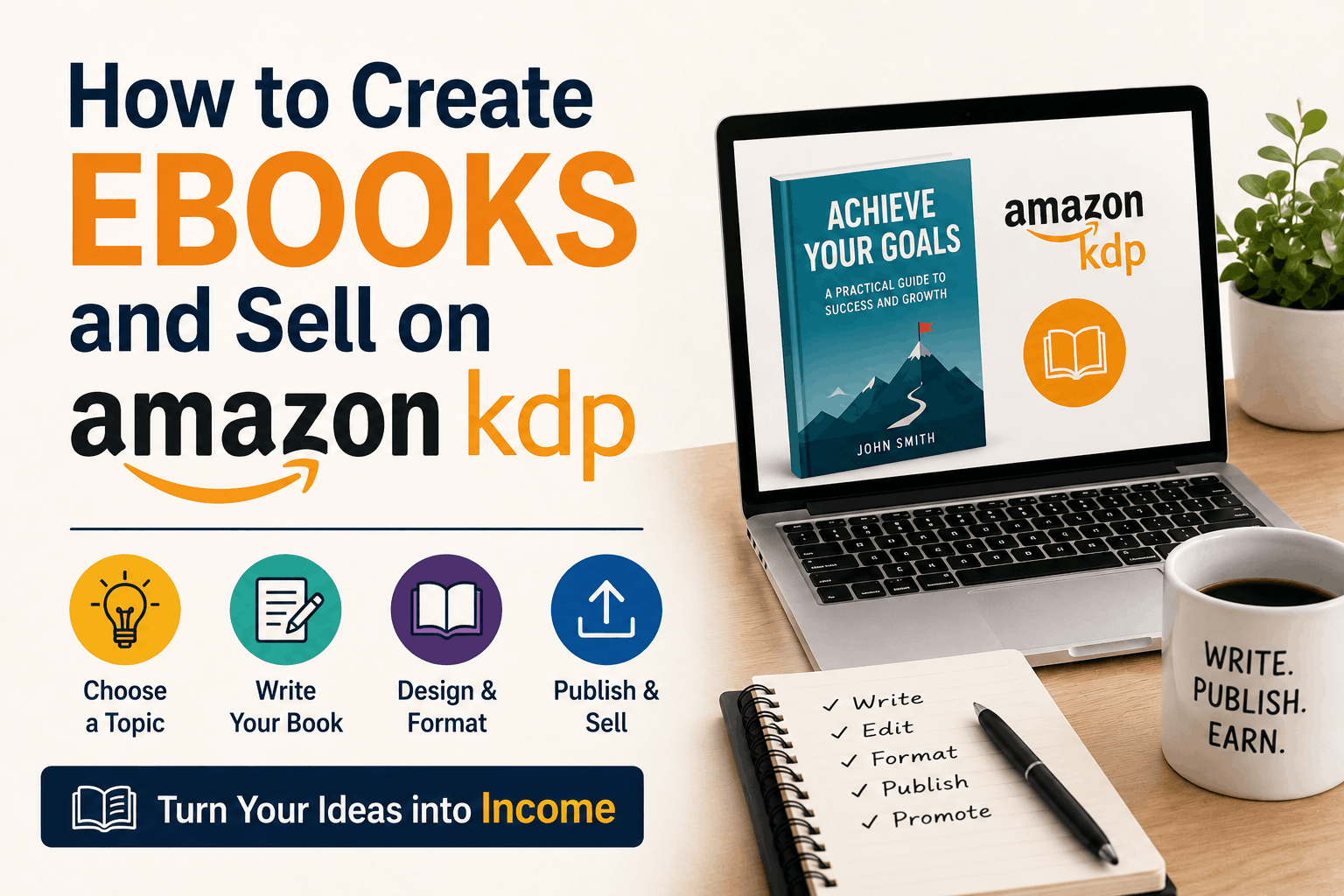
Creating and selling an ebook can be a simple way to turn your knowledge, ideas, or creativity into a digital product. With tools like ChatGPT and other AI tools, the writing process can be much faster, while Amazon KDP gives you a platform where readers can discover and purchase your book.
But how do you actually go from an idea to a published ebook?
1. Choose a Topic
Start with a topic you know about or are interested in researching. Try to choose something that solves a problem or provides useful information to a specific audience.
For example, instead of creating a general book about cooking, you could create an ebook about “Easy 30-Minute Meals for Beginners.”
A specific topic makes it easier to plan your content and reach the right readers.
2. Create an Outline
Before writing, create a simple chapter structure. GPT can help you brainstorm ideas and organize them into a logical outline.
You can decide how many chapters you need and what each chapter should teach the reader.
Having an outline also prevents the book from becoming repetitive or disorganized.
3. Write the Ebook
You can use GPT to help with the first draft of each chapter. Give it clear instructions about your topic, audience, tone, and the points you want to cover.
Instead of asking GPT to write an entire ebook at once, work on it chapter by chapter. This usually gives you more control over the content.
Don’t forget to add your own knowledge, examples, experiences, and opinions. AI can help with the writing, but your input is what makes the ebook more useful and original.
4. Edit and Proofread
Never publish the first AI-generated draft without reviewing it.
Read the entire book and look for errors, repeated information, unclear explanations, and statements that need verification. GPT can also help you improve grammar, simplify complicated sentences, and make the writing more consistent.
For important facts, statistics, or claims, verify the information using reliable sources.
5. Design Your Ebook
Your ebook also needs a professional-looking cover and proper formatting.
You can use design tools to create the cover and format the interior. Make sure the title is easy to read and the overall design matches the subject of your book.
Checkout here for detailed Halloween Comic Creator GPT Review which will help you in creating the comic kind of ebooks with single prompt.
6. Publish Through Amazon KDP
Once your ebook is ready, create an account on Amazon Kindle Direct Publishing (KDP).
You’ll need to provide information such as your book title, author name, description, keywords, categories, manuscript, and cover. You’ll also need to choose your pricing and review the publishing options available for your book.
Before submitting it, use KDP’s preview tools to check how the ebook looks on different devices.
7. Promote Your Ebook
Publishing the book is only the beginning. Getting readers to notice it is the next challenge.
You can promote your ebook through a website, Pinterest, social media, email newsletters, or other relevant online communities.
The more useful and targeted your ebook is, the better chance you have of attracting the right readers.
Final Thoughts
GPT can make ebook creation much easier by helping with brainstorming, outlining, drafting, editing, and promotional content. But it works best as an assistant rather than a replacement for the author.
With a useful topic, good editing, a professional presentation, and consistent promotion, Amazon KDP can give you a practical way to turn your ideas into ebooks and make them available to readers around the world.